



Sonic Drive-In offers an exciting choice of fast food for Americans. This food chain features the Sonic App that customers can use to get what they want. The app lets you see the entire menu and order food from anywhere. It is easy to use, and you can customize your order. In this article, we look at how using the app can benefit you, whether you eat at Sonic, pick it up, or use the drive-thru.
What Are Sonic App Deals?
There are many things you can do with the Sonic App. With it, you can look through the menu, add items, and customize it. After that, you can pay for what you ordered using a Sonic gift card or a credit card. After payment, choose your pickup time, and your order will be processed.
However, there is more to the app than just ordering food. You can enjoy specific deals by using the app. In other words, the Sonic App deals are packages you are eligible for when you use the Sonic App to purchase.
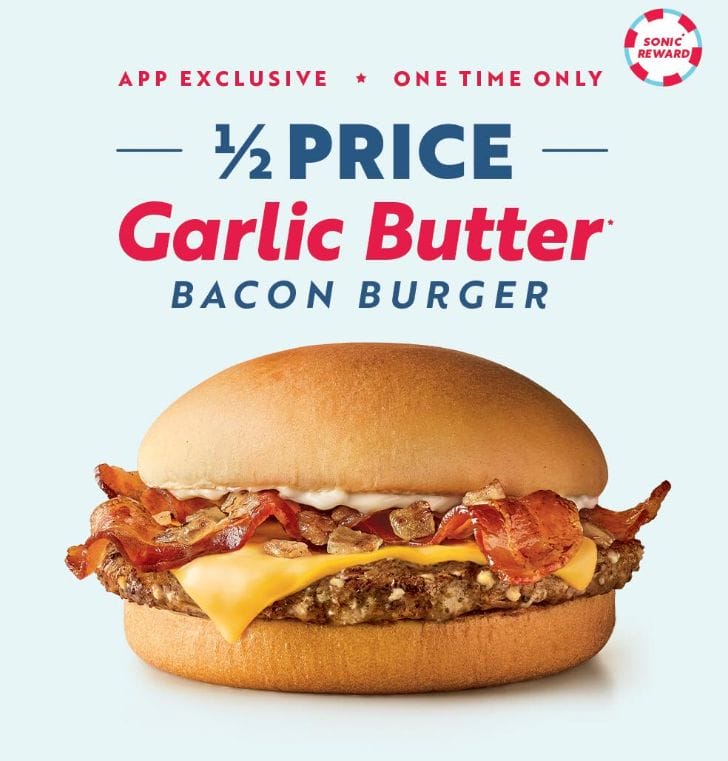
Types of Deals Available on the Sonic App
The Sonic App lets you get rewards, discounts, and exclusive deals. Below are some of the deals available on the app.
Exclusive Menu Items and Deals
The special menu and limited-time offers are exclusive to the app. Look for some of these deals to get something exciting.
Half-Price Happy Hours
During Sonic Happy Hour, you are eligible for half-price slushes and drinks. Order through the Sonic App to get the deal. This applies to slushes, lemonade, iced tea, and soft drinks.
Earn Rewards with My Sonic
With every purchase, you earn points, which are part of the My Sonic rewards program. The accumulated points can be used to redeem free drinks and food.
How to Get Started with the Sonic App
You have two options for downloading the Sonic App. Choose the one that is compatible with your device.
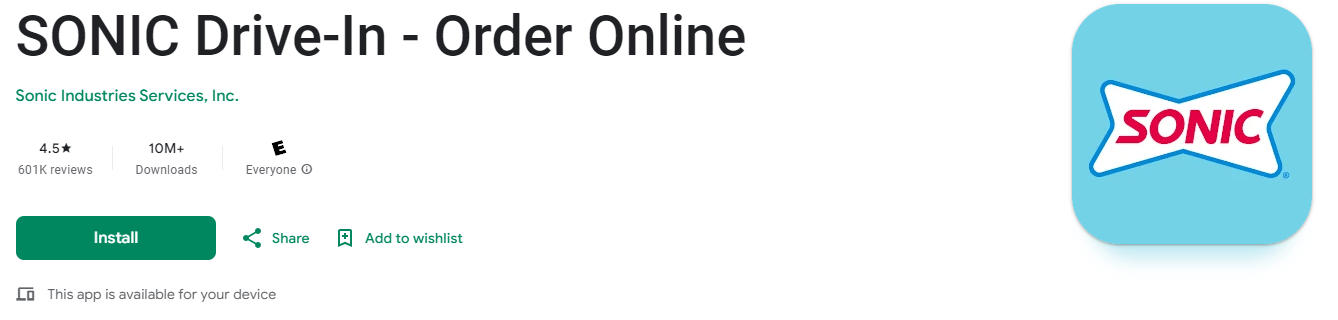
Downloading for Android phones:
- Find the App: Search the Google Play Store for “Sonic App” or “Sonic Drive-In.”
- Download: Tap “Install” next to the Sonic app. You may need to sign in with your Google account.
Downloading for iPhones
- Find the App Store app on your iPhone.
- Tap “Search.”
- Type “Sonic App” or “Sonic Drive-In.”
- Tap the Sonic Drive-In app.
- Tap “GET” to download. You might need an Apple ID password, Touch ID, or Face ID.
Daily and Weekly Promotions to Look Out for
After installing the Sonic App on your mobile device, you can get daily and weekly promotions. Here are some of the promotions you should be on the lookout for:
- Combo Deals: Sonic often offers deals where you can get multiple items for a lower price. Look for them.
- Seasonal Promotions: Sonic sometimes has special deals during holidays or special events. These deals are themed, and you might find new menu items or discounts.
- Happy Hour Specials: Enjoy Happy Hour at Sonic to get drinks and slushes at a discount. The Sonic App allows you to access this exclusive deal.
- Limited-time offers: Sonic offers discounts on popular items like combo meals, desserts, or drinks.
Sonic App Rewards: Earn Rewards While You Save
There are exclusive benefits the Sonic App provides. These are reward programs to ensure that your dining experience is enhanced. Below are what you will get from this program:
- Accumulation of Points: You earn points every time you purchase using the Sonic App. These points, which can be redeemed, are accumulated in your account. You can use these rewards to make future purchases and get discounts, free drinks, or food items.
- Personalized Rewards: The Sonic App offers customized rewards based on your purchase pattern. Depending on your engagement history, you might get rewards specific to orders you made in the past.
- Exclusive Deals: Joining the rewards program makes you eligible to receive exclusive promotions and deals. All app users are qualified for this, and the offers received may include discounts on limited-time promotions or popular menu items.
Looking for other favorites? Check the full Sonic menus for mouthwatering options!
Earning and Redeeming Points on the Sonic App
Knowing how to earn and receive rewards exclusive to the Sonic App ensures you get all the benefits. To earn points and redeem points, do the following:
How to Earn Sonic Points:
- Order through the app: Earn points with every purchase.
- Watch for promotions: Get bonus points during special events.
- Refer friends: Earn points for referring others to the app.
How to Redeem Sonic Points:
- Check the app: See what rewards you can get.
- Choose a reward: Pick the reward for which you are qualified.
- Redeem it: Use your points when you order next.
Frequently Asked Questions (FAQs)
How do I find the latest Sonic App deals?
There are various ways of finding Sonic App deals, including Sonic App notifications, email signups, coupon websites, and social media.
Are Sonic App deals available for in-store purchases?
No, the Sonic App deals are exclusive to the app alone. They are unavailable for in-store purchases, so engage with the app to participate.
Can I use multiple promo codes in the app?
You may use multiple promo codes depending on your available reward program. However, some promo codes have restrictions, such as an expiration date or a minimum order.
How do I redeem rewards through the Sonic App?
You can redeem your reward through the app by selecting the one you want to redeem. This is often based on the amount of points you accumulated. Follow the instructions on your next order to redeem your selected reward.
Do I need to pay to use the app?
No, the app itself is free. However, you will need to pay for the food and drinks you order through it. You can use a credit card or other payment methods in the app.
Conclusion
The Sonic App offers a variety of deals and rewards for users. Download the app to enjoy exclusive menu items and half-price happy hours and earn points for rewards like free food and drinks.
When you order, you accumulate points, which can be redeemed for items. Start taking advantage of these exciting offers today; you will get many items at a discount.


