
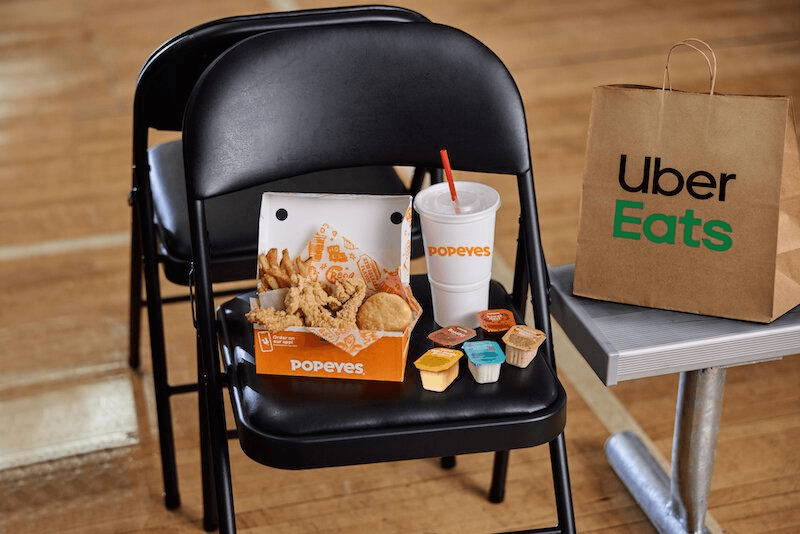


Popeyes has always kept its ears open, especially when pleasing its customers. And just so you know, they heard your hunger pains and brought Uber Eats to the rescue. So, you can now satisfy your cravings for crispy tenders, spicy fried chicken, crispy tenders, mouthwatering sandwiches, and sides without waiting for hours.
Ordering Popeyes is now easier as you can place your order directly from Uber Eats and get your meals delivered without any long wait. You only need your device to enjoy an unforgettable lunch, a satisfying dinner, or a late-night snack.
In this guide, you’ll see how easy it is to order your Popeyes with Uber Eats, and in no time, all your cravings will be delivered to your doorstep by Uber Eats. So, let’s see how to order Popeyes with Uber Eats.
Getting Started With the Uber Eats
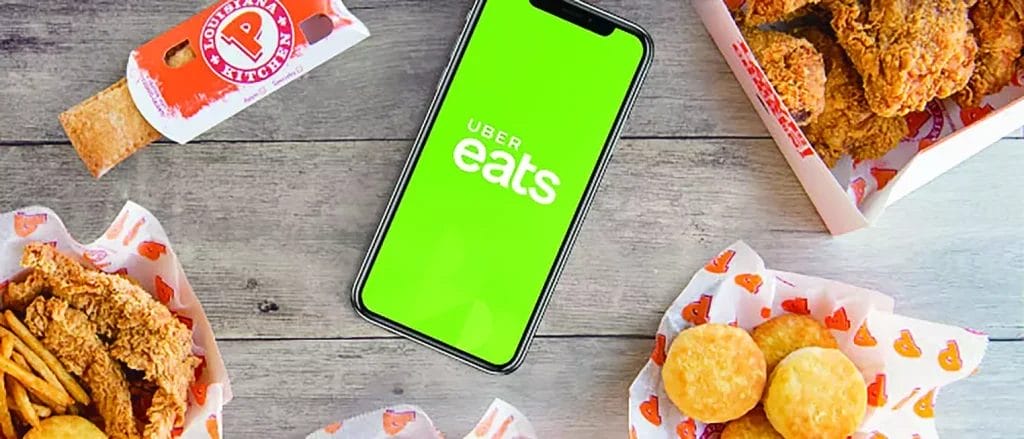
To order Popeyes with Uber Eats requires various steps, from downloading the app to setting up an account to placing your order and tracking it till it gets to you.
Here’s how to get started.
Downloading the Uber Eats App or Visiting the Website
You can download Uber Eats through the App Store(for IOS) or the Google Play Store (for Android). If the app doesn’t go well with you, the website is just as easy to use. So, you’ll search Uber Eat’s official website, search for Popeyes, and place your order.
Setting Up the Account
You need to set up an account to start ordering your Popeyes meals from Uber Eats. Here’s how to go about it.
- Download the Uber Eats App to your device: You can make your downloads through the App Store or Google Play Store, depending on your device type.
- Sign Up on Uber Eats: You can sign up by clicking “Create New Account.”
- Select Your Preferred Login Method: There are various ways to log in, and you can choose from your Phone number, Facebook, or email address.
- Enter Your Personal Information: You’ll be required to fill out your personal information, including your name, contact address, phone number, and email.
- Password Setup: The Uber Eats app requires a strong password. So, ensure that you use something complex and unique.
You can complete your Uber Eats account setup by adding your payment method. They accept payment through debit and credit cards.
Step-by-Step Guide for Ordering Popeyes Through Uber Eats
You can order your favorite Popeyes menu items when you successfully set up an Uber Eats account.
Here are steps to ordering Popeyes meals through Uber Eats
- Step 1: Open the Uber Eats App. Log in with your email and password if you have already installed it on your mobile device.
- Step 2: Next, you’ll search for Popeyes in the menu, choose a nearby Popeyes, and browse the menu items to select the items you want to order.
- Step 3: You can also customize your order to your taste before moving to the next step
- Step 4: Add your order to the cart and review it so everything is as you want.
- Step 5: If Popeyes offers discounts or promotions through coupon codes, add them to your order at checkout.
- Step 6: Click the “Place Order” button and make payment through any method that works for you, including debit card, credit card, or any other form of transaction available.
You can track your order status while waiting for its arrival at your doorstep.
How to Customize Your Popeyes Orders
If you want to make your Popeyes orders more palatable, Uber Eats allows you to adjust the items through their app.
So, to customize your Popeyes order, you can do the following
Add Proteins You Like
Add a Preferred Protein to the Menu items you want to order, including spicy fried chicken or mild chicken with less crispiness. You can also select from flounder fish or shrimp tenders.
Add Extras
You can create your perfect Popeyes by adding extra sauces, fried onions, crunchy lettuce, Jalapenos, fresh tomatoes, cheese, and seasonings like garlic parmesan.
Add Sides
You can customize your order by adding extra side dishes and snacks like coleslaw, red beans, rice, fries, or biscuits to satisfy your craving.
Drop an Instruction for the Kitchen
If you have food allergies or you have another request like “Extra sauce and cheese,” “No Mayo,” or “Less spice,” you can include them in your order, and Popeyes will prepare your meal to meet your taste.
Uber Eats Delivery Fee, Time, and Discounts for Popeyes
Delivery Fee
Your Uber Eats delivery fees for Popeyes orders may vary depending on location. So, you can expect to pay a delivery fee that aligns with the distance between you and the restaurant.
Delivery Time
You can estimate Uber Eats delivery time based on the time Popeyes prepares your meal, the driver’s estimated pick-up time, and arrival at your doorstep. So, your delivery time can span between 30-60 minutes, depending on the restaurant’s workload and your location.
Discount for Popeyes
Uber Eats offers discounts and promotions for Popeyes orders to help customers save more, including discounts for new users, Popeyes exclusive offers like buy-one-get-one-free deals, and percentage-based offers. You can also take advantage of Uber Eats Promotions, which offers you referral rewards on Popeyes orders when you introduce a friend to Uber Eats.
FAQs on Popeyes Uber Eats
Are there exclusive deals for Popeyes on Uber Eats?
Yes, there are exclusive deals for Popeyes on Uber Eats, like new user discounts and restaurant discount offers, which usually include Popeyes.
How do I track my Popeyes delivery in real-time?
You can track your Popeyes delivery in time using the order delivery number.
Does Uber Eats deliver Popeyes in all areas?
No, Uber Eats may not necessarily deliver Popeyes in all areas. You can enter your delivery address to check if Uber Eats offers delivery to Popeyes in your area.
Is there a minimum order value for Popeyes on Uber Eats?
Yes, there are minimum order values for Popeyes on Uber Eats, but they may vary depending on the location.
Conclusion
With Uber Eats, you can order your favorite Popeyes from the comfort of your home. There’s a lineup of Popeyes menu items on the Uber Eats app, from crispy tenders to spicy fried chicken, delectable sandwiches, sides, drinks, and seafood, and you only need a few clicks to enjoy these items. With the step-by-step guide in this article, you can order like a pro, customize your order to your taste, and track your delivery till it reaches your doorstep.


