
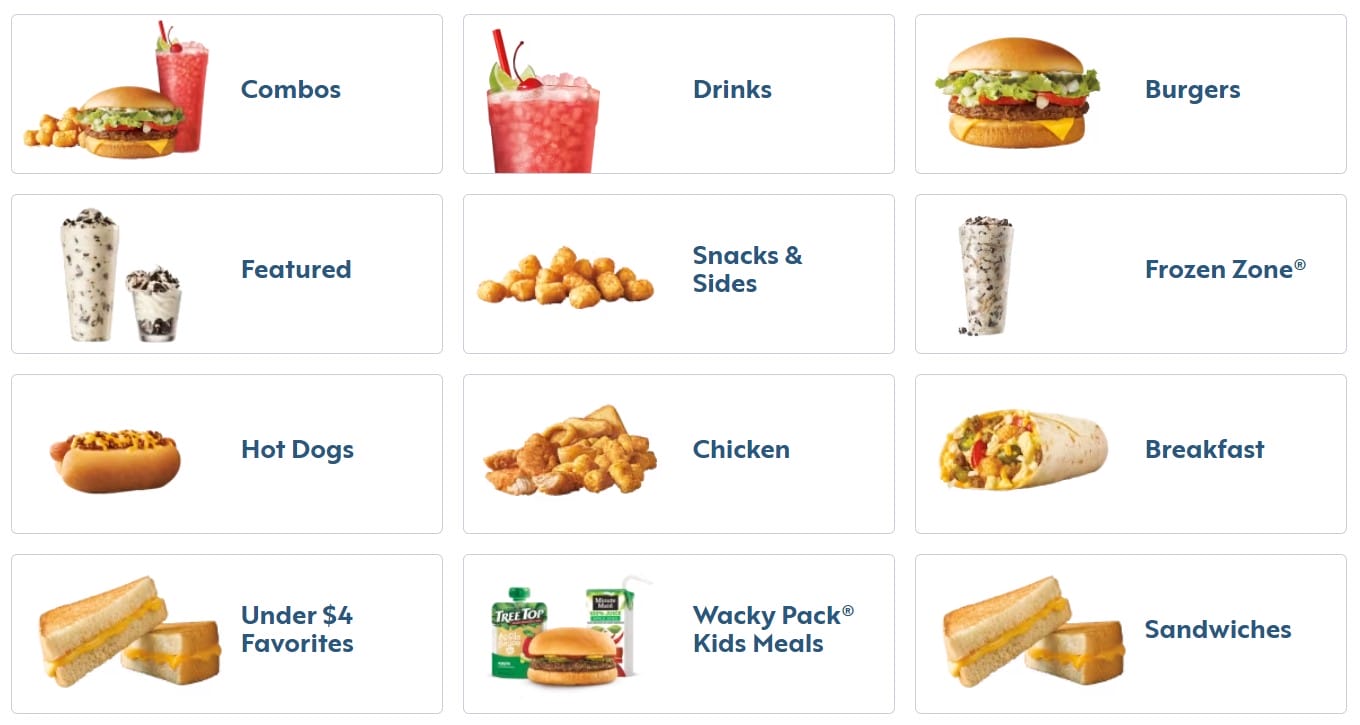


One thing most people dread, especially during rush hours, is the wait time. If you are craving a quick bite, ordering and picking up your order might be your best bet.
Sonic pick-up is a convenient way to shorten your wait time and enjoy your meal without spending so much energy getting it.
If you use the Sonic app or the Sonic website, simply place your order and input the expected pick-up time. Within seconds of your arrival, you will be on your way back with your sumptuous meals.
How Does the Sonic Pick-Up Option Work?
Sonic pick-up is a straightforward process involving only a few actions. The main point of Sonic pick-up is to skip the wait time, so it involves ordering ahead with the Sonic app or website.
Here are steps to choose the Sonic pick-up option
- Open the Sonic app or visit the website
- Customize and place your order
- Pick the Sonic location you want to pick up
- You will see the Pick-up and delivery options. Choose Pick up.
- Make payment via your preferred payment method.
- After placing your order, the app will give you an estimated time when your meal will be ready for pick-up. You can also choose a later time when you want to pick up.
- Go and pick up with the procedure outlined in the next section
Pick-Up Location and Procedures
Your pick-up location is the Sonic location you inputted while placing your order on the app. To pick up your order, simply go to the Sonic branch and follow the simple steps outlined below.
- Once you reach the Sonic branch, look for a parking spot in the designated pick-up spots or stalls.
- After parking, check-in via the app and notify the restaurant that you have arrived.
- A member of the team will prepare your order for handoff. You will get your freshly prepared order delivered to your vehicle in a few minutes.
The process of picking up your order involves minimal waiting time and almost no contact. You do not have to step down from your car or go through different stages to receive your order.
Benefits of Choosing Sonic Pick-Up
Why should you opt for the pick-up option when getting your meal?
- Speed and convenience: Standing for several minutes, especially during rush hours, can be frustrating. You get to skip that. And with the designated parking spots, you don’t have to be in line with the people driving through.
- Contactless experience: You order through the app, pay digitally, and have your food delivered straight to your car. There is minimal direct contact.
- No delivery fees: Delivery fees can sometimes be ridiculous. If you want to save money, choose the pick-up option over the delivery option.
- Customization option: By choosing the pick-up option, you are not missing out on any of Sonic’s services. You can still customize your meal to your usual combo or specification, including choosing the type of toppings you want.
- Flexible pick-up time: If you won’t be able to pick it up immediately, you can schedule a specific time to pick it up regardless of the time you order.
- Easy payment methods: Sonic’s app and website allow different payment methods, including credit cards, Sonic gift cards, and digital wallets.
Looking for something special? Check out the Sonic menu for great choices!
Frequently Asked Questions (FAQs)
How do I place an order for pick-up at Sonic?
You can do this in five steps: Download the Sonic app or visit the Sonic website, place and customize your order, and then choose the pick-up option during checkout. Choose the Sonic location where you would like to pick up your order and make payment.
Where do I go to pick up my order at Sonic?
When you get to Sonic, go to the designated stalls or parking spaces marked specifically for pick-up orders. These stalls are different from the drive-through area, which helps you pick up faster.
Can I customize my order using the pick-up option?
Absolutely! You can customize your order when using the Sonic pick-up option. The customization option is available on the app, so it does not matter whether you are picking up, ordering delivery, or driving through – you can customize your meal as you like.
How do I check in at Sonic?
Once you get to the designated parking stall at your Sonic location, log in to your app and check in with your stall number at the drive-in. This makes it easy for the staff to locate you and deliver your order.
Conclusion
The Sonic traditional drive-thru experience is fantastic. However, there are times when you need to breeze in and out for a quick meal, and this is when you need Sonic’s pick-up option. The Sonic pick-up option saves you money on delivery, is convenient and seamless, and delivers your favorite meal straight to your car.


